MidiStickers Pro is a 2026 MIDI Innovation Awards Finalist
Thanks to your votes, MidiStickers Pro is one of three finalists in the Prototypes & Non-Commercial Software category.
Thanks to your votes, MidiStickers Pro is one of three finalists in the Prototypes & Non-Commercial Software category.
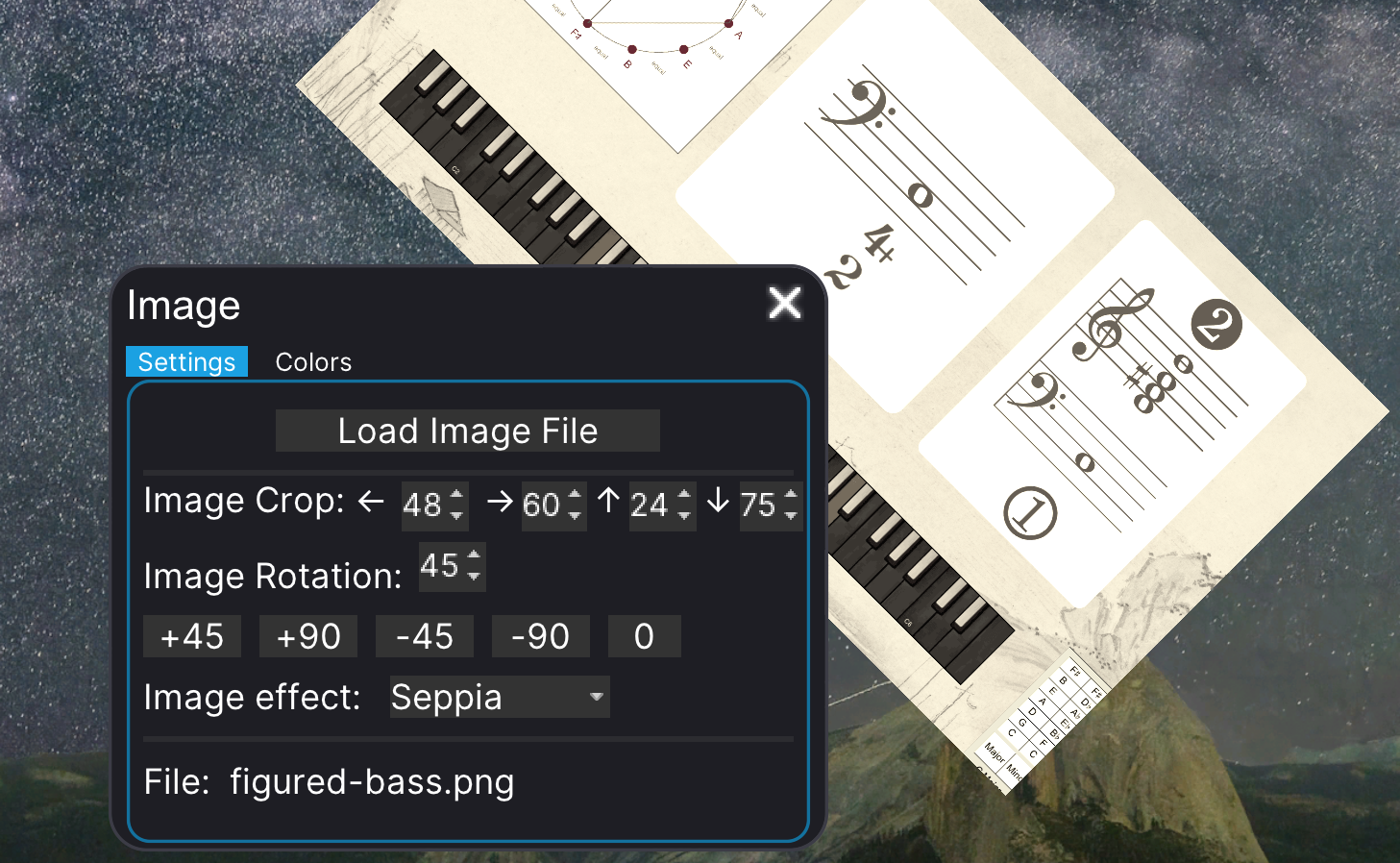
MidiStickers v1.3.2 brings UI improvements, new annotation tools, an improved built-in metronome, and more.

Vote for MidiStickers Pro on the 2026 MIDI Innovation Awards!
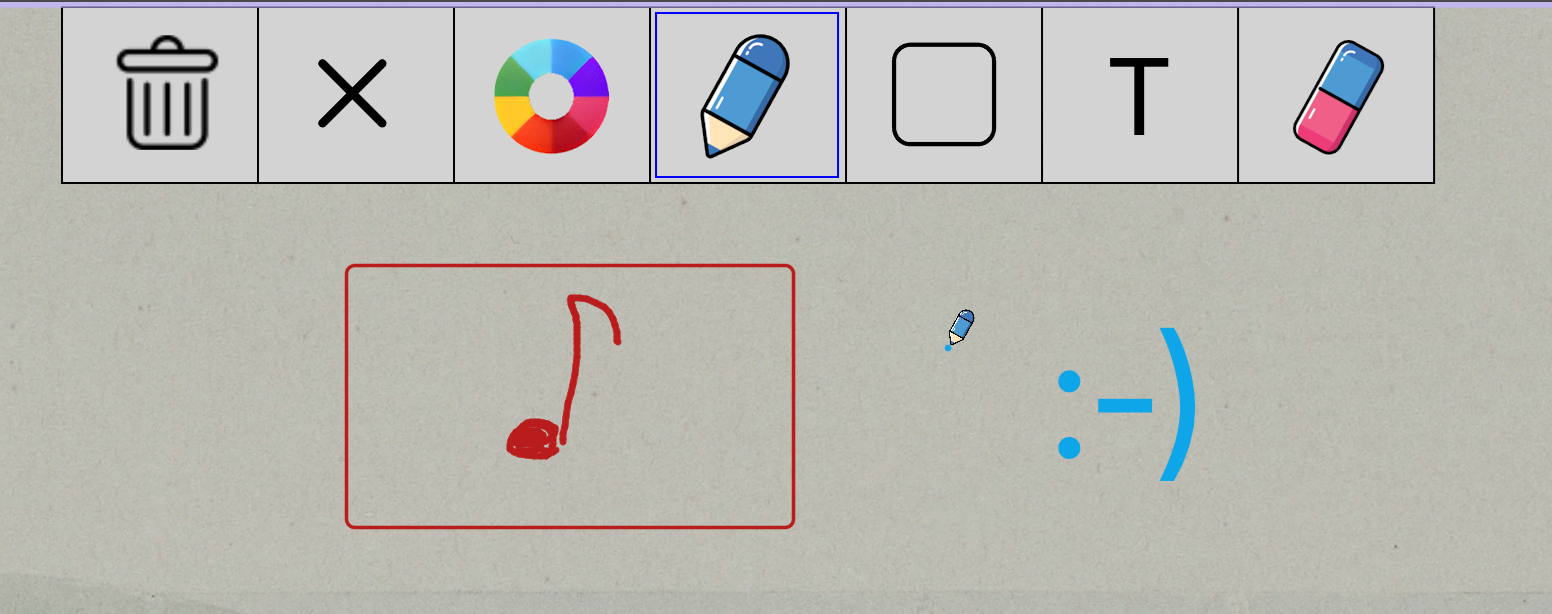
MidiStickers v1.3.1 improved Annotation Mode now includes support for drawing Rectangular shapes and Text directly on the screen.
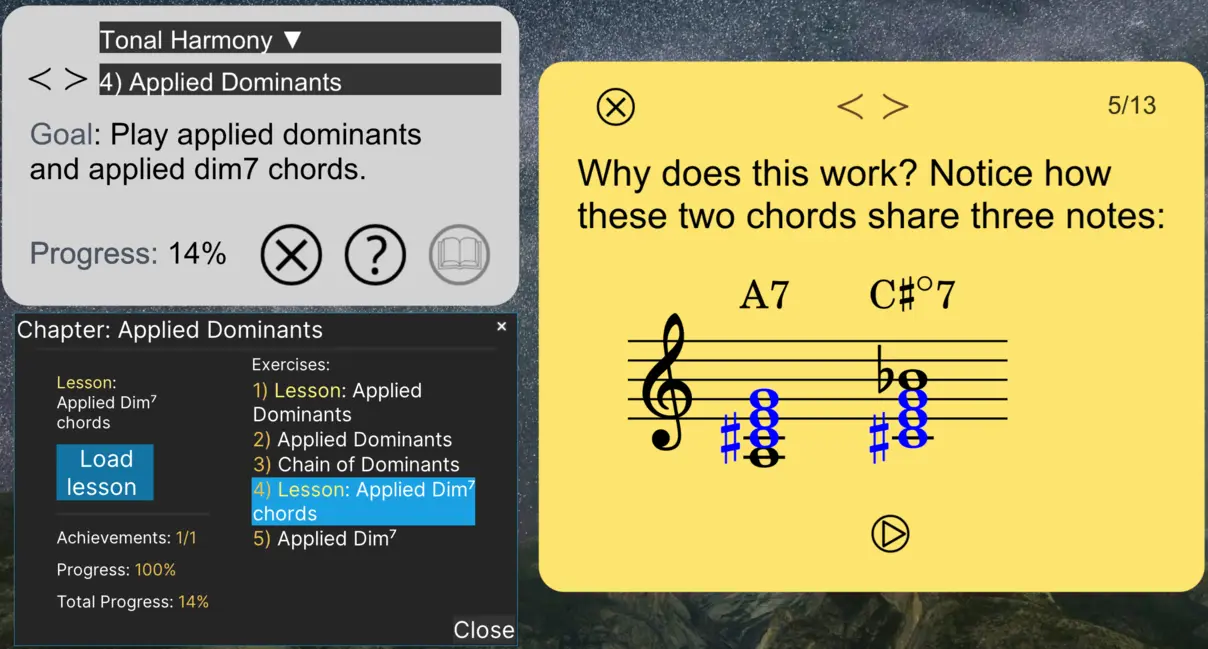
MidiStickers v1.3 update expands Learning Content with new Lessons & Exercises module and brings numerous other improvements.
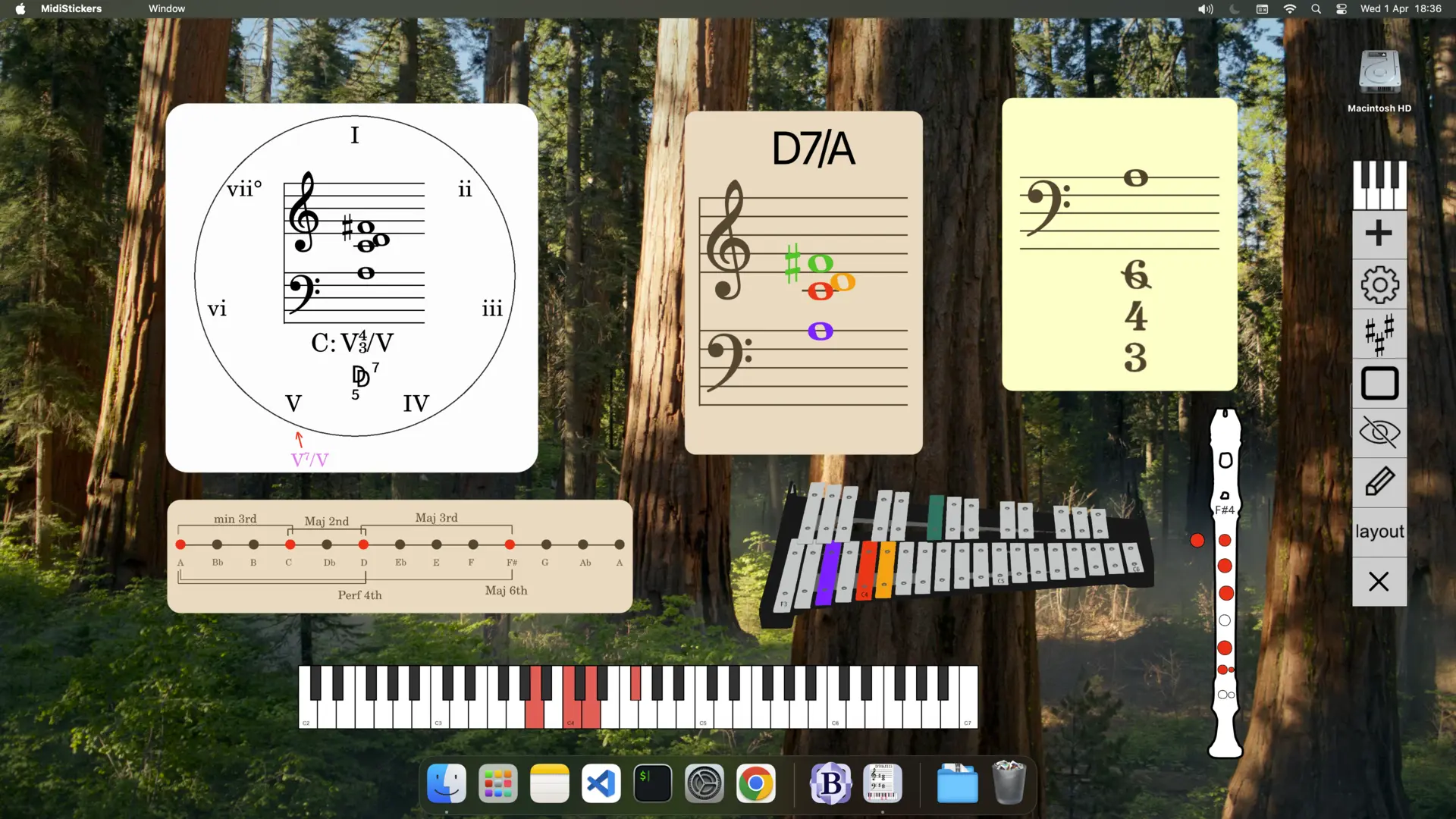
Discover why MidiStickers is the ideal companion for music theory courses: a visually rich, keyboard-first tool trusted by university teachers for real-time harmony analysis, guided practice, and engaging classroom demonstrations.
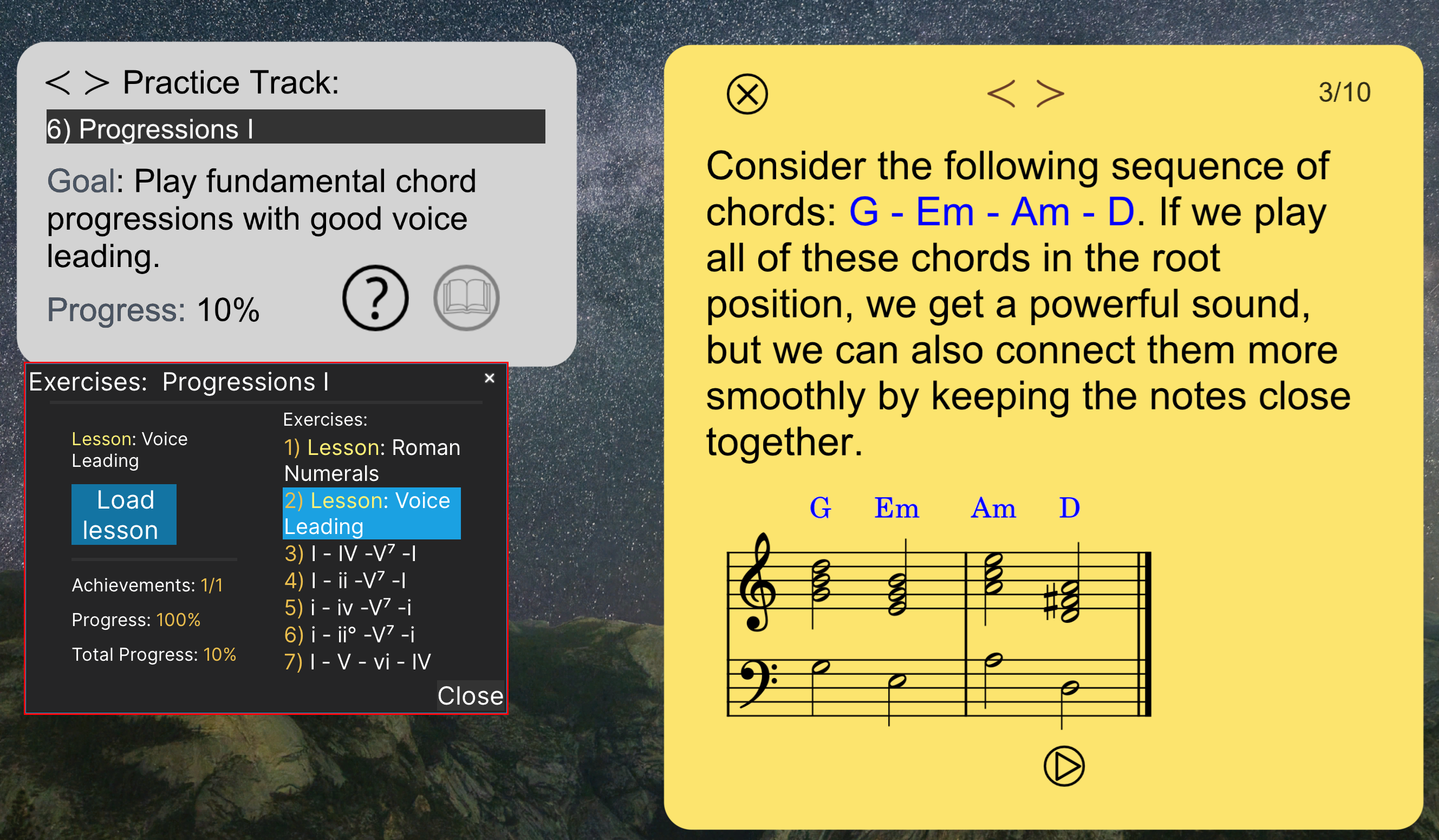
MidiStickers is adding a built-in Lessons component in its interactive music theory workbook with hands-on exercises for teachers and students.
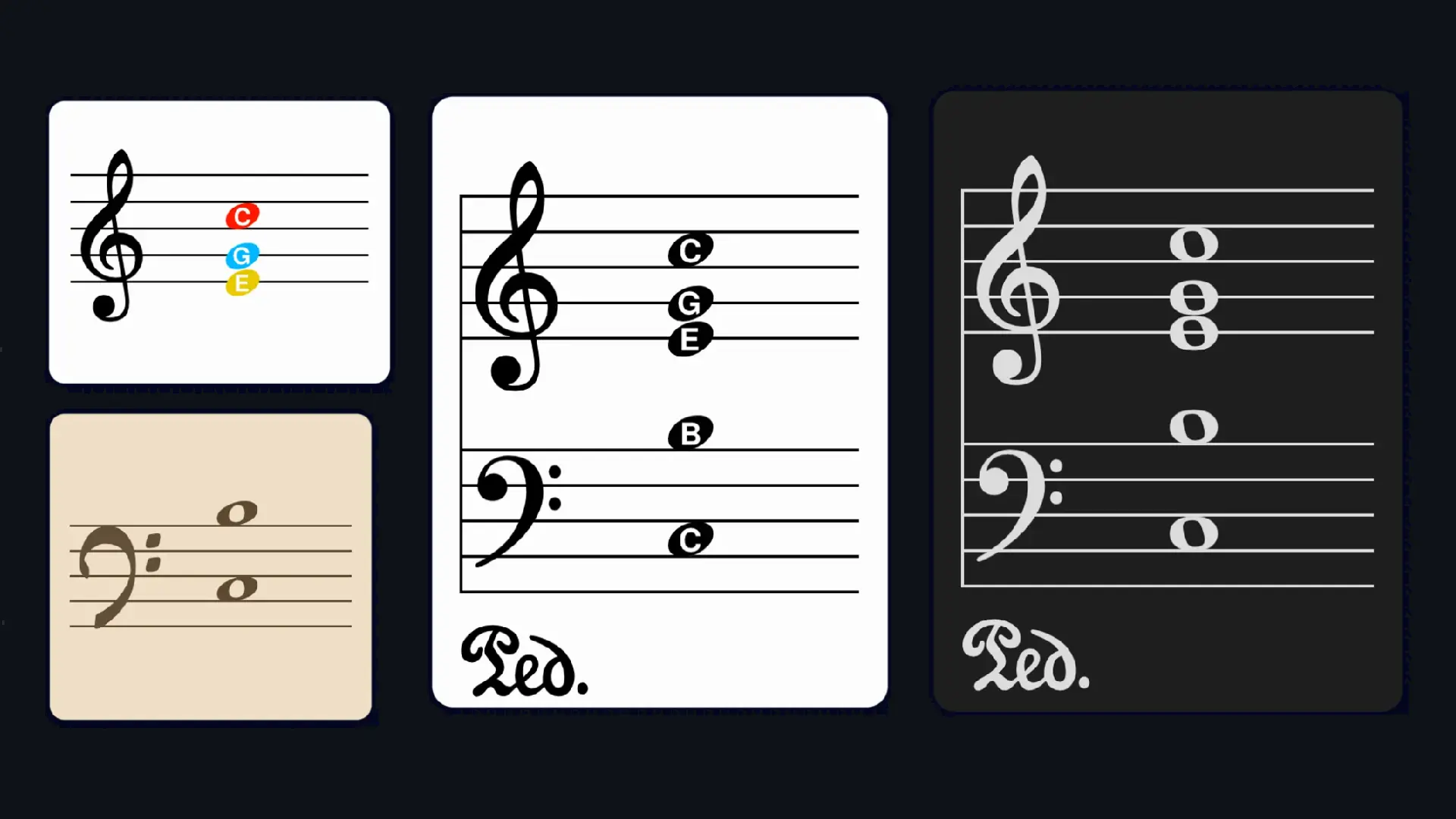
10 practical ideas for using MidiStickers in online piano and music theory lessons, from chord analysis overlays to real-time figured bass demonstrations.
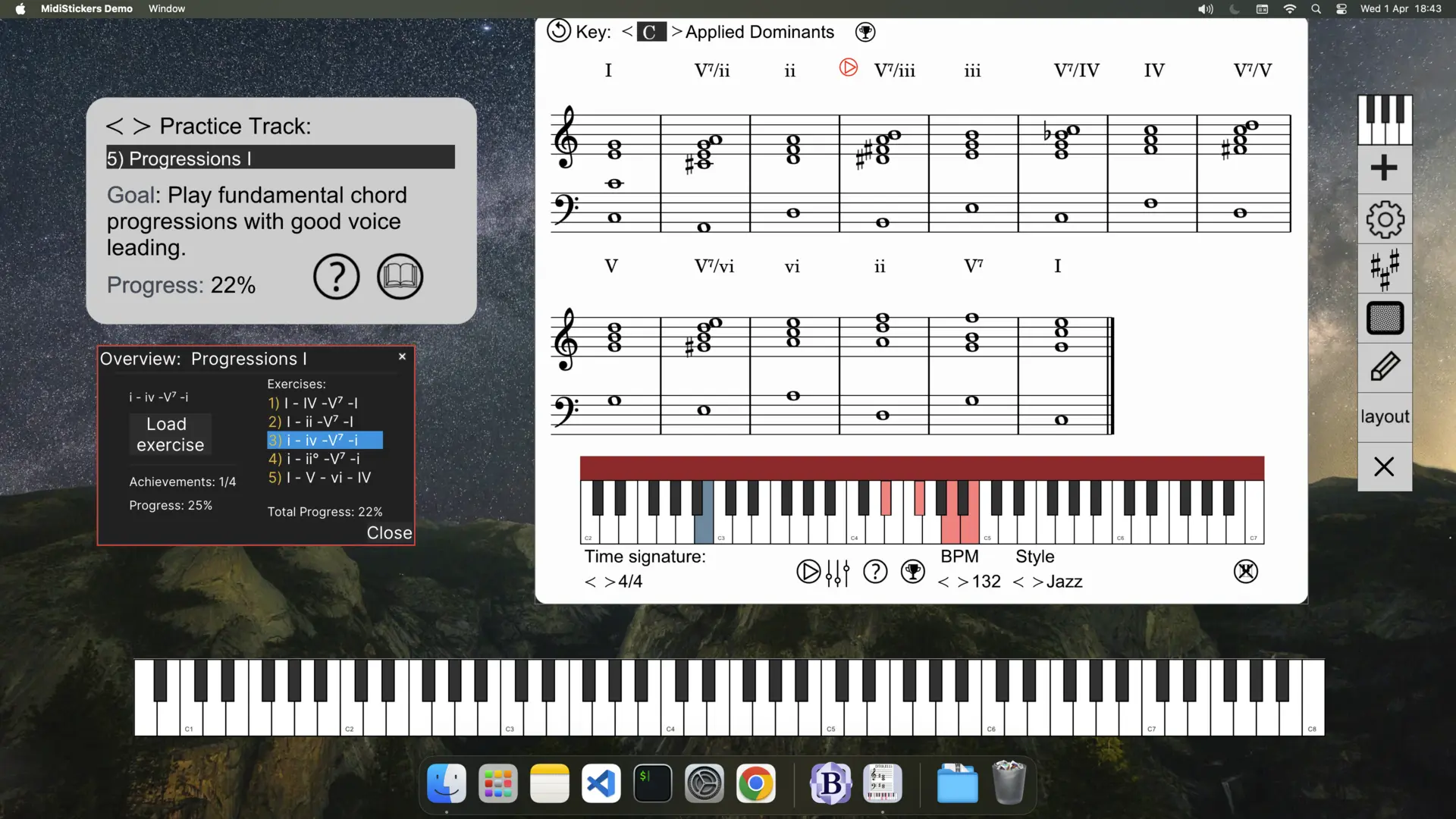
MidiStickers v1.1 introduces Guided Practice: a dedicated hub to practice scales, chords, and progressions in all 12 keys with integrated backing tracks.
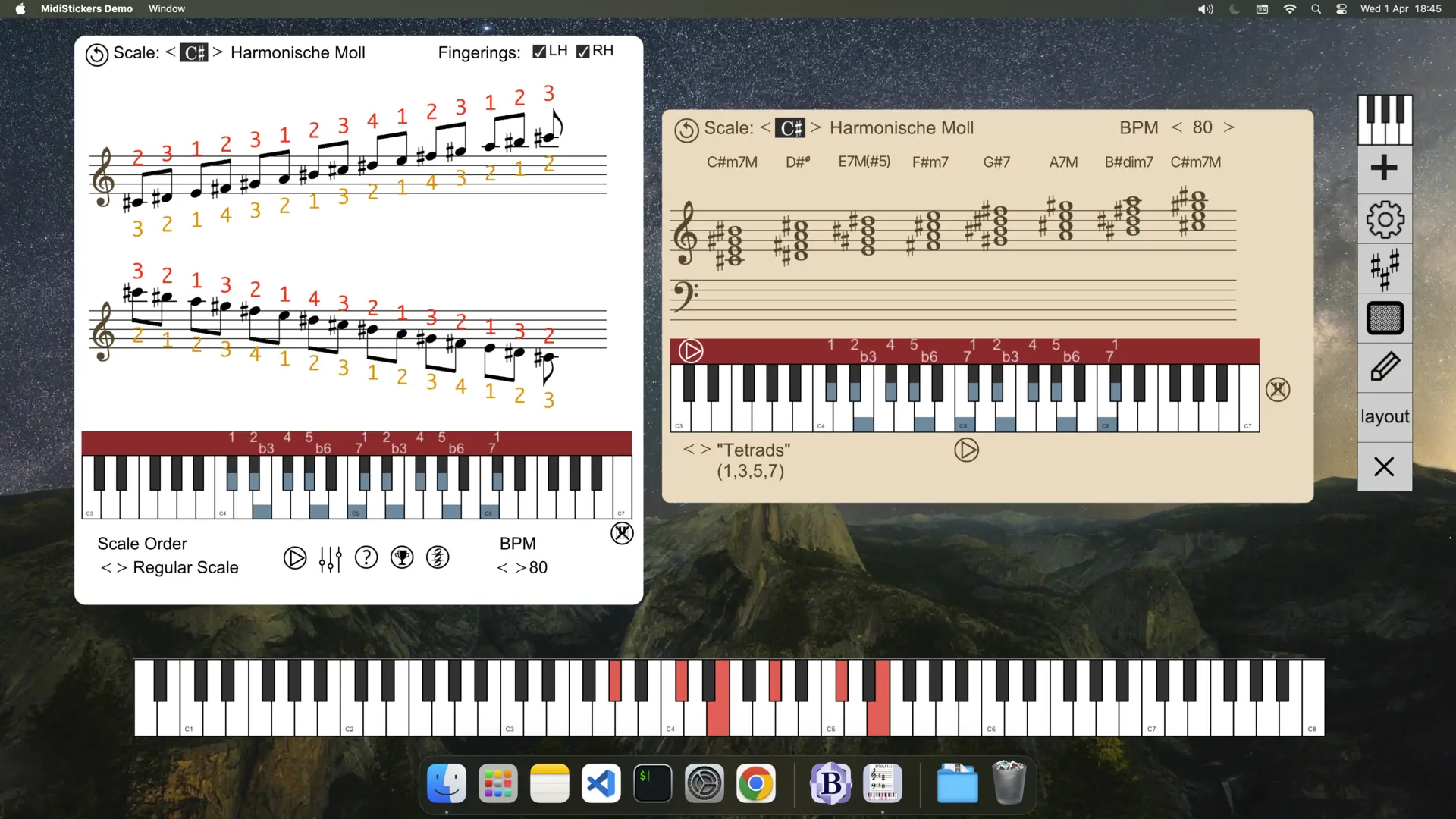
Learn how to explore chord-scale relationships and build harmonies from modes using MidiStickers' Scales and Harmony Explorer — with a step-by-step video tutorial.