Guided Practice
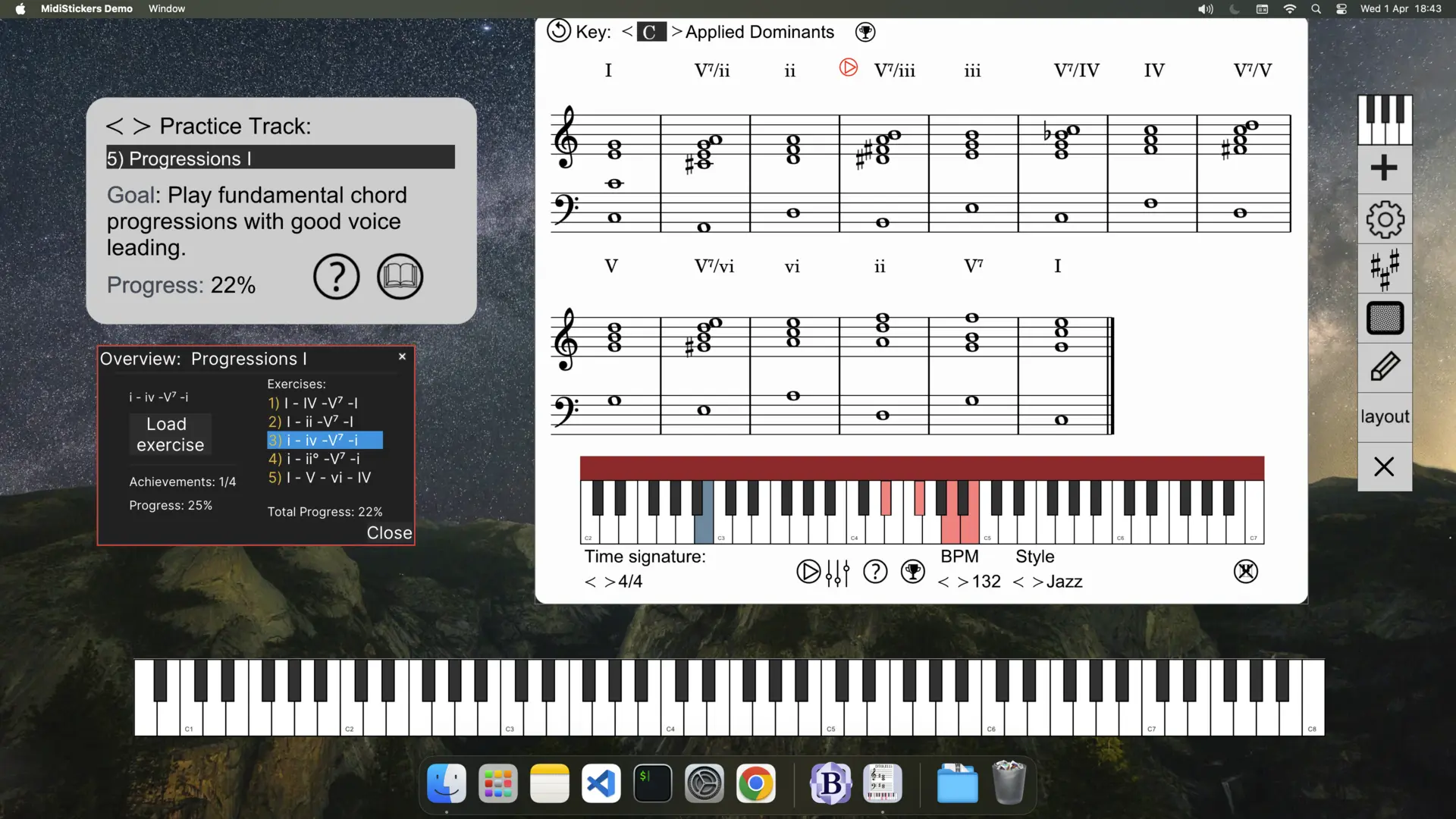
Learn music theory and harmony directly from the keyboard using MidiStickers' Guided Practice Hub, a progressive and structured learning path featuring lessons and interactive exercises on intervals, chords, scales and harmonic progressions.
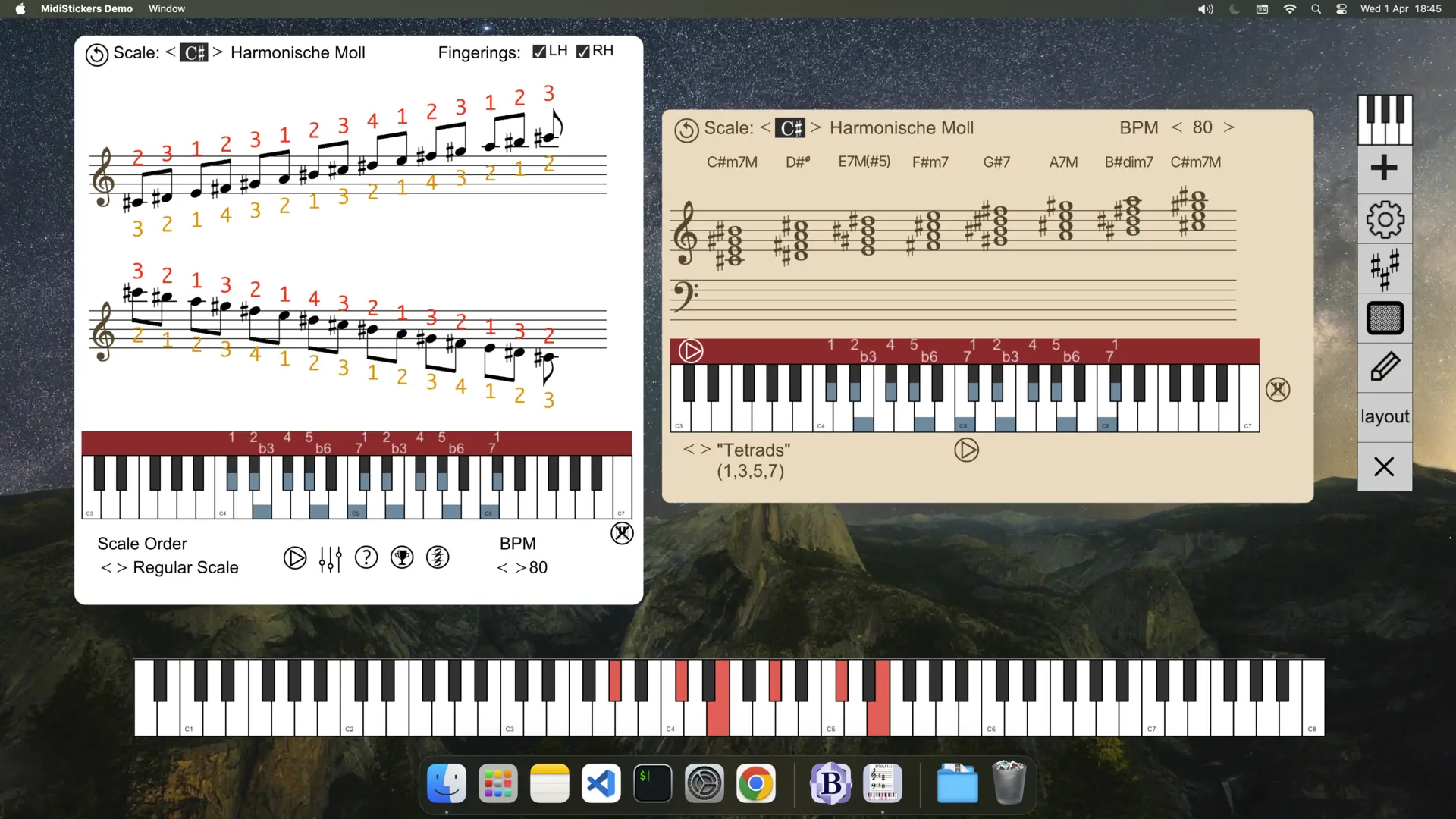
Combined with MidiStickers' powerful visualization tools, these exercises provide a unique hands-on learning experience covering core music theory concepts as well as more advanced topics.
Demonstration
Guided Practice FAQ
Check out the User Guide and YouTube channel for more information.
What is the Guided Practice Hub?
The Guided Practice is a special learning mode in MidiStickers Pro providing a carefully curated series of lessons and interactive exercises, with progress tracking, real-time feedback and auto-accompaniment generated on the spot. Topics are presented in a structured sequence, and each exercise is designed to be concise, engaging, and varied enough to promote long-term retention.
Are all exercises included in my purchase or do I need additional subscriptions or payments?
Yes. All Guided Practice lessons and exercises are included with your MidiStickers Pro perpetual license for individual users. We believe music education should be both accessible and cost-effective, and we plan to continue expanding the library with new content at no additional cost for individual users.
How many exercises in the Guided Practice ?
Guided Practice includes about 100 exercises, selected from a library of more than 300 training exercises available in MidiStickers.
Can the Guided Practice be used in School / Lab settings, tracking the progress of multiple students?
Not currently. MidiStickers Pro is designed primarily for individual users and does not yet provide centralized progress tracking for multiple students. We are developing MidiStickers Studio / Lab, multi-user versions tailored for schools, universities, and keyboard laboratories.
What topics are covered? How many exercises are included?
Exercises and lessons are currently grouped in the following topics: Intervals, Scales, Triads, Seventh Chords, Diatonic Progressions, Extended Chords, Circle of Fifth Progressions, Major Scale Modes, Altered Dominants, Melodic Minor Modes, Drop 2 Voicings, Tweaked Drop 2 Voicings, Partimento schemas. Besides those topics, you'll also find dozens of other complementary exercises in the various trainers included in the software.
Do I need a MIDI Controller?
Yes. Guided Practice is built around hands-on musical activities and requires a MIDI keyboard. For the best experience, we recommend a keyboard with at least 49 keys (4 octaves), which provides sufficient range for most chord, scale, and progression exercises.
Can I use a MIDI Guitar for the Guided Practice?
Not at this time. Guided Practice exercises are specifically designed around keyboard technique and layout. While MIDI guitars may work with some MidiStickers features, we do not currently offer guitar-specific Guided Practice exercises.